

Request beta access

Security

What Jenna sends to the AI, and what it keeps

PRIVACY SHIELD · Sensitive details found. Review before sending.

Checked items are replaced with safe placeholders before this message reaches the AI. You'll keep seeing the real values; the AI never does. Uncheck anything that isn't actually sensitive.

[PERSON] Sample Client → [CLIENT]
The name, as the AI received it[CLIENT]The name, in the draft you got backSample Client

Sample data, not a client Letter Drafter, run 2026-10-07. The panel text is the app's own.

Before any AI call, Jenna's servers swap your client's identifiers for stand-ins and put the real values back in the answer. Below: what Jenna swaps, what it leaves in, where you review it, where your work lives, and for how long.

We checked each statement here against Jenna's code, Google's published terms or our Google Cloud settings, on the date above.

Request beta access

Free during the private beta. No credit card needed.

What Jenna swaps

Jenna swaps out ten kinds of identifiers before any AI call

The scan runs on Jenna's servers. It replaces each identifier it finds with a stand-in, and only the stand-ins go to the AI. When the answer comes back, the real values go back in, so your draft reads correctly. Jenna encrypts the table that pairs each stand-in with its real value.

Replaced with a stand-in

  • Names of people
  • Social Security number
  • ITIN
  • EIN
  • Phone number
  • Email address
  • Street addressZIP codes included
  • Bank account number
  • Routing number
  • Transcript document IDThe DLN and the tracking number on an IRS transcript

Left in the text on purpose

  • Dollar amountsThe balance and penalty math needs them.
  • DatesTranscript dates drive the CSED. A date of birth in the text is a date too, so it stays.
  • State names and abbreviations
  • Transaction codes, tax periods and form numbers
  • Business namesThey are not on the list of ten.
  • If the scan cannot run, Jenna sends nothing and shows an error.
  • A PDF or an image never goes to the AI as a file. Jenna reads it into text on its own servers, swaps the identifiers, and sends only that text. The AI connection refuses any attempt to send the file itself.
  • Scanned pages are read by OCR on Jenna's servers. If any page reads below 80% confidence, Jenna stops the whole document.

Where you review

Where you review, and where you do not

Where a review step exists, it opens only when Jenna finds something. It lists each finding next to its stand-in, and you can uncheck anything that is not sensitive.

Where there is no review step, the same swap still runs without showing you the list first.

  • Q&A and IRM SearchReview step

    Opens before Jenna sends your question.

  • Letter DrafterReview step

    Opens before Jenna sends the drafting request.

  • Transcripts, PDF or imageReview step

    Opens after the file is read and before the analysis runs.

  • Financials statementsReview step

    Opens for each statement in the upload.

  • Transcripts, text or CSV fileNo review step

    Jenna swaps identifiers automatically.

  • Plan of ActionNo review step

    Jenna swaps identifiers in your typed scenario automatically.

  • Conversation titlesNo review step

    A separate AI call names each new conversation. Jenna swaps identifiers in that call automatically.

Known limits
  • The scan is automatic, so it can miss an identifier written in an unusual form, such as a city and ZIP code run together with no space.
  • In Plan of Action follow-up answers, a stand-in name can show up in place of your client's real name when the AI rewords a sentence.

Where your work lives

Where Jenna stores and processes your work

Jenna runs on Google Cloud in the United States. Below, the AI provider by company name.

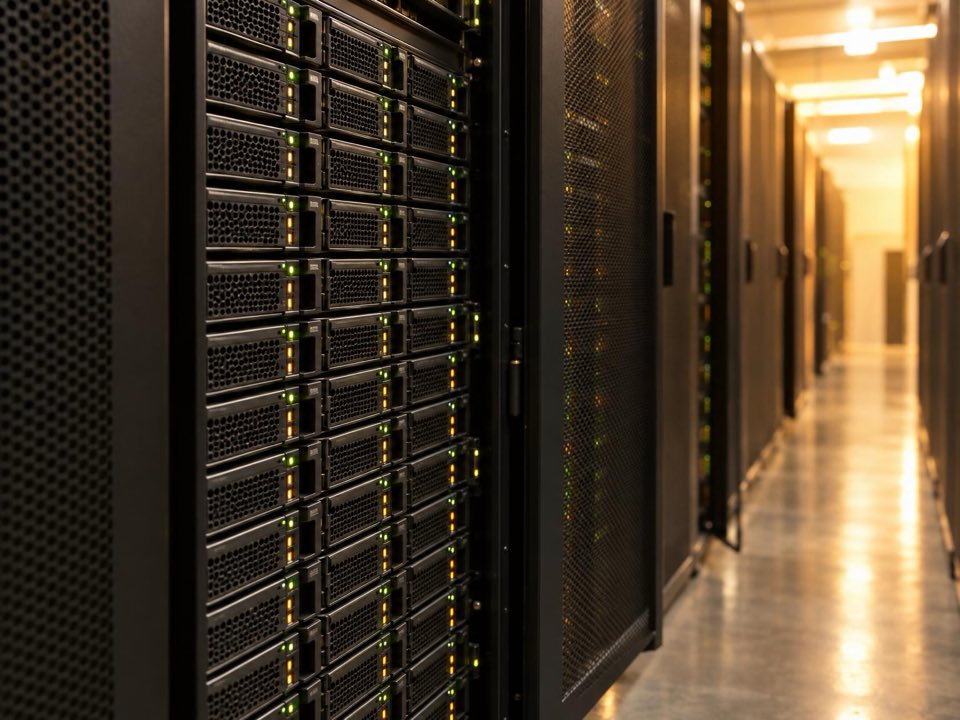
Rows of server racks with small status lights along a quiet data center aisle.
Application servers
Google Cloud Run, region us-west1 (Oregon). The identifier scan and OCR run here.
Database
Google Cloud SQL (PostgreSQL), region us-west1.
Website
Firebase Hosting, a Google service.
AI provider
Google, through the Gemini API. IRM Search also runs Google Search through the same connection, with the same stand-ins.
Other AI code
Jenna's code also has a connection to Anthropic. Production has no key for it, so Jenna cannot call it.
Does the AI provider train on your inputs?
No. Jenna uses Google's paid Gemini API. Google's terms for paid services say it does not use prompts or responses to improve its products. Google keeps them for a limited time to detect abuse; when Jenna searches the web, Google keeps the search and its answer for 30 days. The ten kinds of identifiers listed above, including names of people, are swapped out before anything is sent.
Account email
Jenna sends invites, password resets and retention notices through Resend.

How long Jenna keeps it

How long Jenna keeps your work

You choose the period in Settings, under Data & Retention. It covers conversations, saved analyses, Library items and plans.

The clock runs from the last time you worked with each item. Editing an item or continuing a conversation starts it again. Under this setting, Jenna emails you about 30 days before it deletes anything.

A close view of storage drive bays in a server rack, their lights on.
Retention choices, in days
SettingDays
1 year365
3 years1,095
7 yearsThe default for new accounts, marked "recommended" in Settings2,555
Keep until I deleteNo limit

Encryption

Encryption and sign-in

  • Library items and saved analyses: Jenna stores them encrypted (Fernet: AES-128 with an HMAC-SHA256 check) under their own key. Production will not start without that key.
  • The stand-in table, which holds the real values behind each stand-in: Jenna stores it encrypted under a separate key that production also requires.
  • Passwords: Jenna keeps only a bcrypt hash of each password.
  • Your sign-in lives in a cookie that page scripts cannot read and that travels only over HTTPS. It expires after 24 hours; the refresh cookie lasts 7 days.
  • getjenna.com tells browsers to use HTTPS only, for a year at a time, subdomains included.
  • Database encryption at rest: yes. Google Cloud encrypts Jenna's database at rest by default, with keys Google manages.
  • Breach notice: if a breach touches your data, we tell you as soon as we discover it, so you can meet your own notice duties.

For your WISP

Jenna for your WISP

IRS Publication 5708 asks you to account for third parties that handle client data. The paragraph on the right describes Jenna as one. Paste it into that part of your plan.

It uses only facts stated above.

A tax practitioner's hands signing a printed policy at his desk.

Written Information Security Plan, third-party service providers

Jenna (getjenna.com), Tonic Data Labs Inc.

Use. The firm uses Jenna for IRS representation work: reading account transcripts, drafting letters, building plans of action and analyzing bank statements.

Client data handled. Documents and text the firm uploads or types.

Redaction. Before any AI call, Jenna replaces people's names, Social Security numbers, ITINs, EINs, phone numbers, email addresses, street addresses, bank account numbers, routing numbers and transcript document IDs with stand-ins on its own servers. If that check cannot run, Jenna sends nothing. Dates, dollar amounts and state names are not replaced. The firm reviews the replacements in Q&A, Letter Drafter, Financials and PDF or image transcripts. Jenna replaces identifiers in text and CSV transcripts, plans and conversation titles without a review step.

AI provider and hosting. Google (Gemini API). Hosted on Google Cloud, region us-west1 (Oregon, United States). Provider training on inputs: none. Under Google's terms for the paid Gemini API, Google does not use prompts or responses to improve its products. It keeps them for a limited time to detect abuse; when Jenna searches the web, Google keeps the search and its answer for 30 days.

Encryption. Jenna stores saved Library items, saved analyses and the stand-in table encrypted. Connections use HTTPS. Google Cloud also encrypts Jenna's database at rest by default, with keys Google manages.

Access. Each user signs in with a password stored as a bcrypt hash.

Retention. The firm sets 1, 3 or 7 years, or until deleted.

Incident notice. If a breach touches the firm's data, Jenna tells the firm as soon as it is discovered, so the firm can meet its own notice duties. Contact: support@getjenna.com.

Reviewed by  Date  

Matches the security page as of October 30, 2026.

Ask before you upload a client file

Write to support@getjenna.com with anything still open after reading the sections above. A real person reads every message.

Request beta access

Free during the private beta. No credit card needed.